Automatic device linking
No codes to exchange. Every phone signed into your account appears in your device list instantly, and each session still needs an Allow on the target phone.
android-to-android · secure
Sign in on both phones with the same account and they link automatically. Approve access once, and the screen streams in crisp quality — with remote touch that feels instant, even on weak networks.
Direct APK from remotelink.app · Android 8+ · explicit consent on every connection
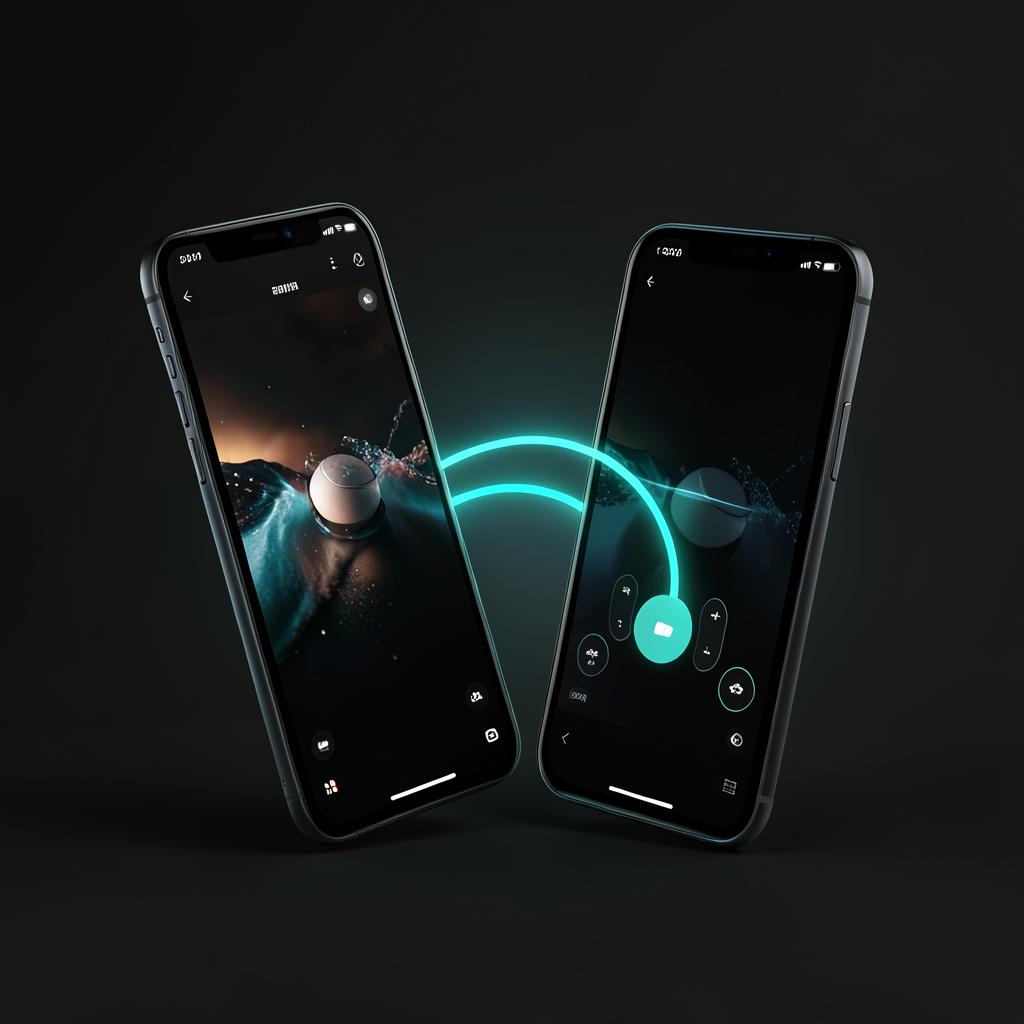
No codes to exchange. Every phone signed into your account appears in your device list instantly, and each session still needs an Allow on the target phone.
Native-resolution capture at up to 60 fps, with adaptive bitrate that holds detail on fast Wi-Fi and stays responsive on the weakest networks.
Taps, swipes and text travel over unordered, unreliable WebRTC data channels — the newest input always wins, so control feels immediate.
Screen frames travel straight between your two phones, so quality stays high without a middleman slowing things down.
Only one controller per device at a time. Every session start and stop is written to a tamper-evident activity trail you can review.
Live RTT, bitrate and packet-loss feed an automatic high / medium / low quality ladder that retunes every 2 seconds.
Get the APK and allow installs from this source when Android asks.
Use the same RemoteLink account on both phones — they link to each other automatically.
The owner taps Allow, and you're in — live screen, instant input.